A delivery arrives first thing in the morning. The warehouse team checks it in on paper, and production starts using the material. But the receipt hasn’t been entered into the system yet. When someone checks stock availability from the office, they’re making decisions with an incomplete picture.
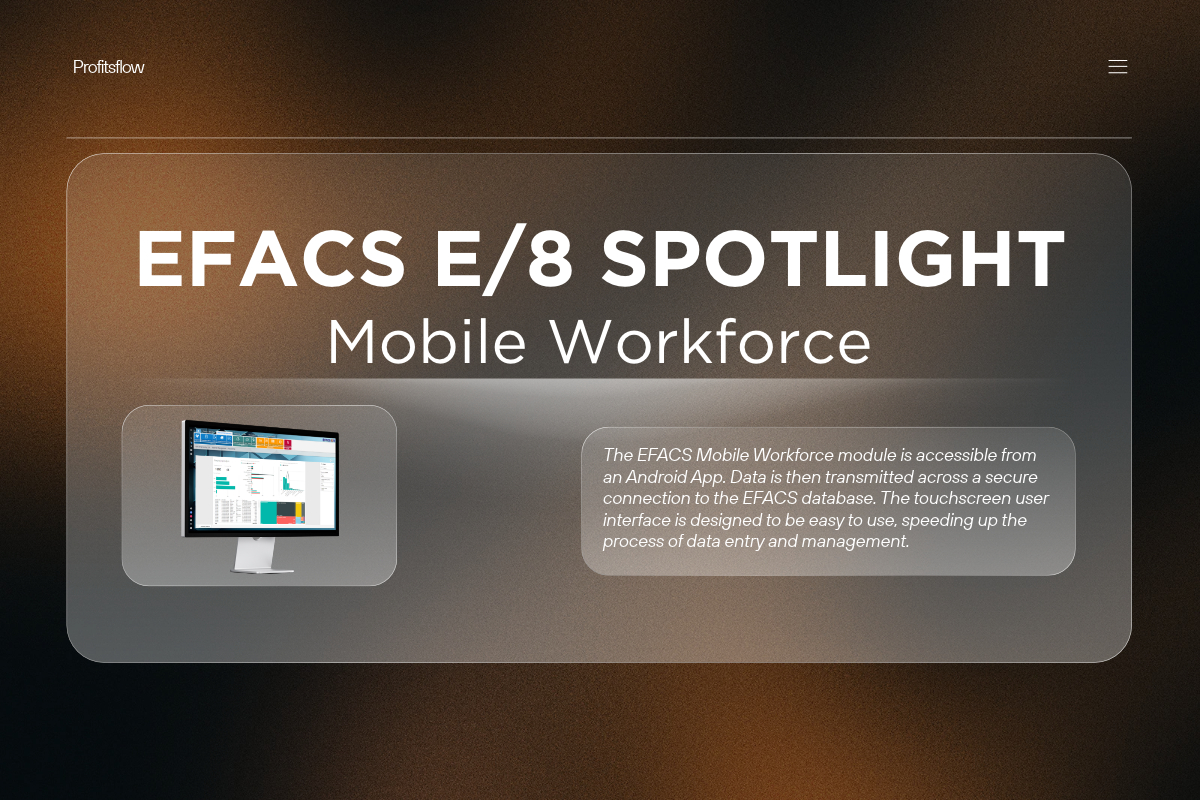
The EFACS E/8 Mobile Workforce module lets staff record stock and production activity where it happens. Using Android touchscreen devices and barcode data capture terminals, teams can receive goods, move stock and book work in progress directly into EFACS E/8. As transactions are recorded, the information is available to the people planning production, managing stock and coordinating dispatch.
Receive and move stock as it happens
When a supplier delivery arrives, the goods-in team can record the receipt against the purchase order from the device they’re using on the warehouse floor. Staff can also record stock movements and issues, check stock information, carry out stocktakes and record stock quality checks.
For example, if components are moved from the main warehouse to a production area, the team can record the movement at the time. The next person looking for those components can see where they were moved, and production planners have a more up-to-date view of what’s available for upcoming jobs.
Recording these transactions at the point of activity also cuts out a common source of errors. Staff enter or scan the details once, instead of writing them down and rekeying them later.
Give production planners a clearer view of work in progress
On the shop floor, operators can use mobile or wall-mounted devices to book work in progress (WIP) and record labour activity. The module also supports time and attendance and works order receipts, so teams can capture key information during the shift.
Imagine a planner checking whether a job can move to assembly that afternoon. If the previous operation has been booked, they can see what has been completed and what is still outstanding. That gives them a better basis for deciding whether to keep the job on the schedule or move another job forward.
The same applies when a customer calls for an update. With stock transactions and production bookings recorded as they happen, the office has more dependable information when discussing progress and delivery dates.
Follow one job from goods-in to dispatch
Take a manufacturer waiting on components for a customer order due on Friday.
- Goods-in records the delivery against the purchase order when the components arrive.
- The warehouse team records the stock issue when the components go to production.
- The operator books work in progress as the job moves through the shop floor.
- The production team records the works order receipt when the finished goods are ready.
- Dispatch can check the updated stock information and use the relevant advice notes to prepare the delivery.
Each team records its part of the job directly in EFACS E/8. If the order falls behind, the planner can see the latest recorded position and decide where to follow up while there’s still time to act.
Spend less time chasing updates
The benefit of mobile data capture goes beyond reducing paperwork. When stock receipts, material issues and production bookings are recorded promptly, warehouse staff spend less time tracking down stock, planners can schedule against more current information, and customer service teams can give more informed updates.
Want to see how this would work on your shop floor? Ask Profitsflow to walk through one of your own jobs, from receiving materials to booking production and preparing the order for dispatch. Explore EFACS E/8